Start by reading the song as a film brief
Before generating frames, mark the song's sections, strongest lyric or motif, changes in energy, and the emotional promise made in the first fifteen seconds. This treatment is designed for K-pop, dance pop, hip-hop pop, synthwave, and polished idol debut tracks. The director's job is to turn those musical facts into a visual rule set, not to decorate every beat. Define who the viewer follows, what changes by the end, and which image should remain after the music stops.
- Write the emotional job of the intro, verse, chorus, bridge, and ending.
- Choose one recurring object, gesture, color, or location that can carry continuity.
- Name the performance-to-story balance before building the shot list.
Lock the visual grammar before individual prompts
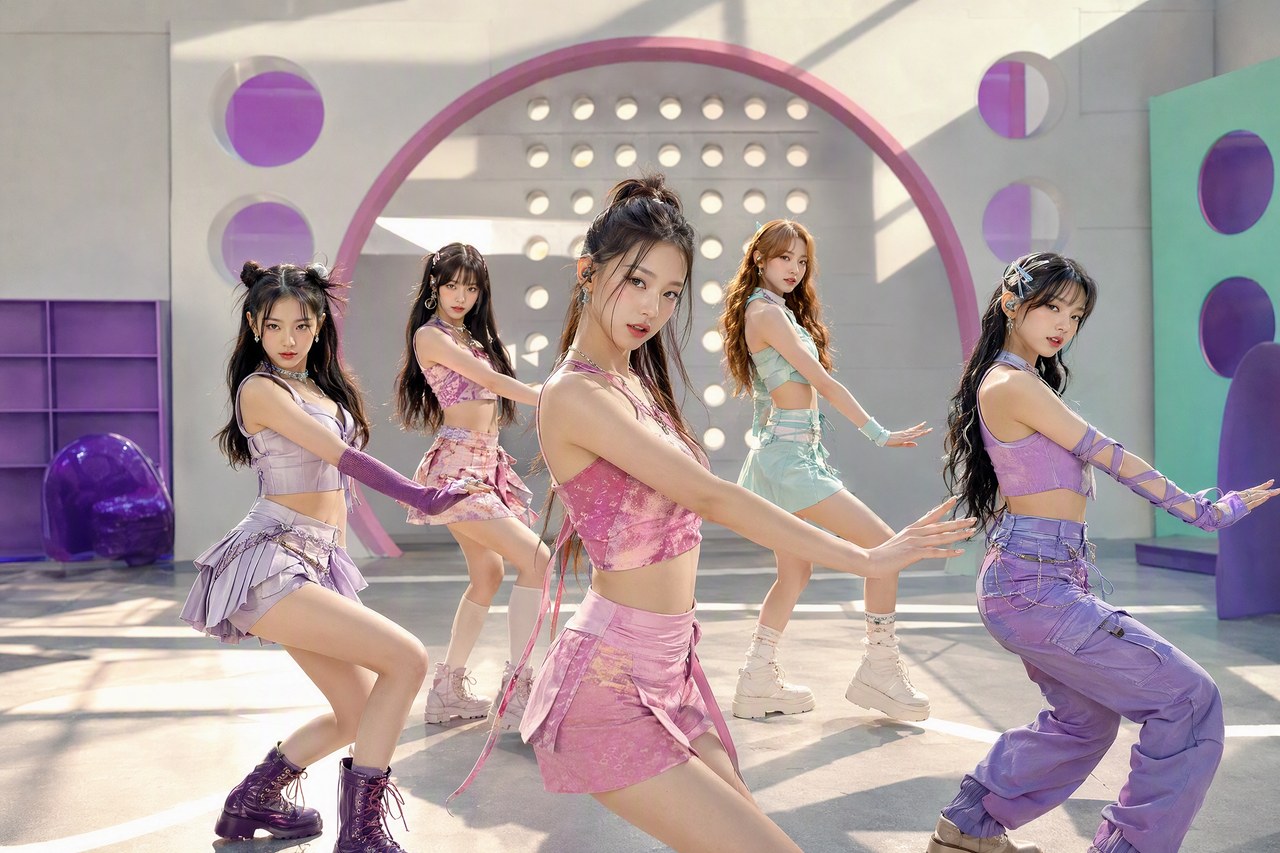
The visual center is Y2K color, teen-crush contrast, coordinated wardrobe, graphic sets, and sunlight against harder night scenes. Convert that direction into fixed decisions for palette, contrast, texture, lens feeling, wardrobe, production design, weather, time of day, and image movement. A strong AI music video skill should generalize across songs while preserving its identity: the song changes the scene and pacing, but the style rules remain legible. Write exclusions too, especially visual clichés, unwanted polish, inconsistent age or identity, and effects that would obscure the performer.
Continuity is a production feature
Create a compact continuity sheet for every recurring character and location. Use stable names, physical details, wardrobe states, prop ownership, spatial relationships, and lighting logic. When a scene changes, state what is intentionally different and what must remain identical.
Turn the story into prompt-ready coverage
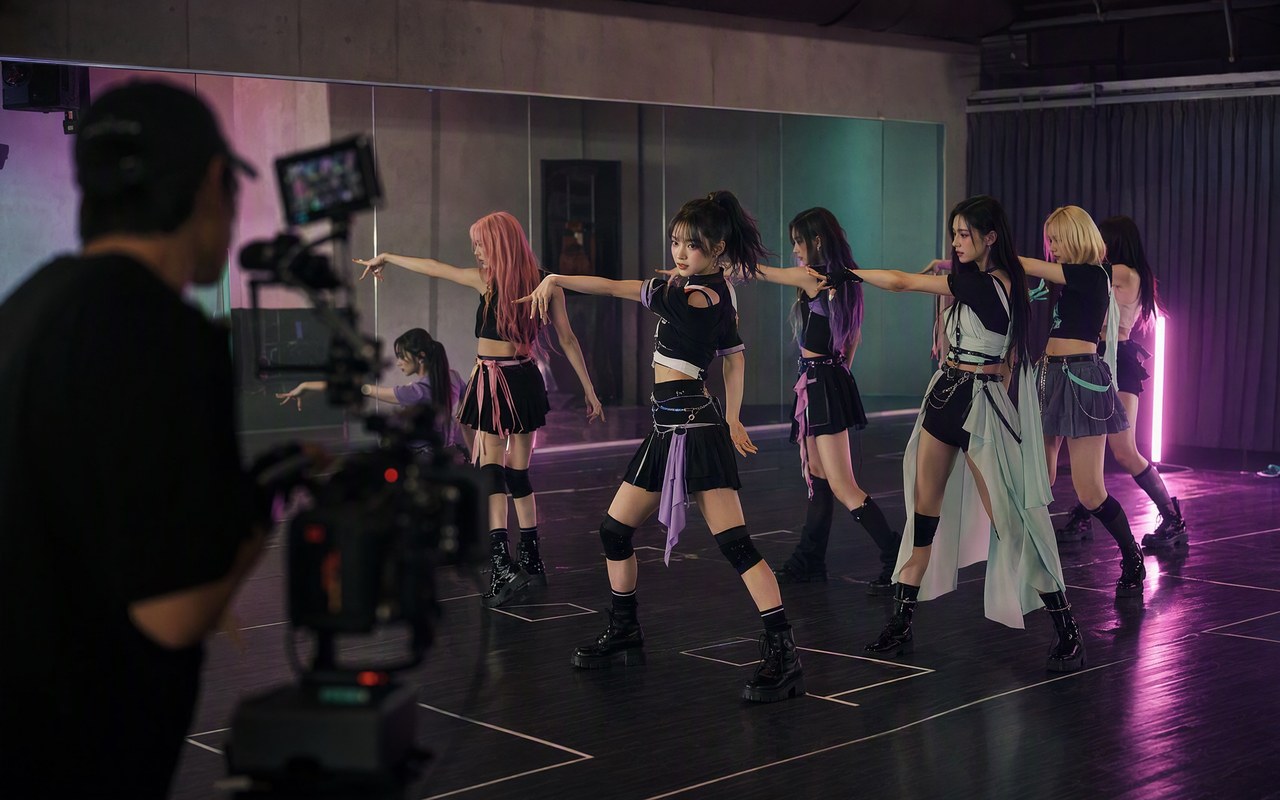
The story spine is the group establishes identity, breaks into member moments, then reunites for the defining chorus performance. Break it into scenes with a clear purpose, then into shots that each contribute new information. The camera language should follow this rule: symmetrical group wides, member close-ups, moving formation coverage, and clean handoffs between performers. Every shot prompt needs subject, action, environment, composition, shot scale, angle, movement, lighting, texture, duration, and continuity anchors. Generate coverage in families—wide geography, performance medium, emotional close-up, insert, and transition—so the edit has options without becoming visually random.
- Use an establishing frame whenever the audience needs new geography.
- Reserve extreme close-ups for lyrical or musical emphasis.
- Repeat camera behavior when the song repeats, then change one variable.
- Give transitions a visible cause such as movement, light, foreground, or match shape.
Edit with musical hierarchy, not constant speed
The edit principle is line distribution, choreography accents, and visual callbacks keep every member legible across fast cuts. Map shot duration to phrase length and visual information. A fast song does not require every shot to be short, and a ballad does not require every shot to drift. Contrast creates impact: hold when the audience needs to feel performance, accelerate when the arrangement adds layers, and simplify before the defining chorus image. Review the cut once without sound to test visual clarity and once with eyes closed to understand the musical structure.
Build three versions from the same system
Plan a full narrative cut, a performance-forward cut, and a short vertical excerpt. They should share the same character and visual bible while changing coverage density, opening speed, and the location of the strongest reveal.
Turn a vague idea into a production brief
A useful idol group ai music video brief does more than name a genre. It gives the music a job, a listener, and a time-based shape. Start by describing the moment that will sit beside the track: a product reveal, a quiet study block, a character entrance, a chorus that needs to feel earned, or a policy explainer that cannot afford distracting drama. Then define the emotional temperature in plain language and add one physical image the sound should suggest. For idol group ai music video, the most reliable anchor is a focused idol group ai music video arrangement with a clear hook, intentional dynamics, and a finish that makes the idea easy to edit. That sentence gives the model a direction it can interpret while leaving enough space for a memorable detail. Add the intended duration, whether the music is instrumental, and where dialogue or natural sound must remain audible. The result is a brief that can be tested, compared, and revised instead of a one-off request that is impossible to diagnose.
A practical three-line setup
Write one line for context, one for feeling, and one for musical behavior. For example: “A late-night creator edits a reflective montage; the feeling is focused but hopeful; use a focused idol group ai music video arrangement with a clear hook, intentional dynamics, and a finish that makes the idea easy to edit with a restrained opening and a wider final lift.” This format makes the creative intent legible to collaborators and to an AI music generator. It also creates a stable reference when you make a second or third version.
Use texture, contrast, and negative space deliberately
The difference between a generic generation and a convincing one is often not the instrument list; it is the relationship between texture and space. Decide whether the sound should feel close or distant, dry or reverberant, tactile or polished, narrow or wide. Then add contrast so the arrangement has somewhere to go. A idol group ai music video cue might begin with a small rhythmic cell, introduce a warmer counter-line, and reserve its widest stereo image for the emotional turn. If the track supports original songs, keep the center clear for the main message and let secondary details move around it. If it supports creator intros, let the hook arrive early enough to survive a short edit. These are production decisions expressed as plain language. They help Mureka V9.5 produce a first draft that behaves like a piece of music rather than a pile of adjectives.
- Name one foreground element that should stay intelligible.
- Name one background texture that can evolve without stealing attention.
- Reserve the biggest contrast for the moment the audience should remember.
- Leave an intentional gap for speech, captions, or environmental sound.
Build versions instead of chasing one perfect take
Treat the first result as a map. Mark the timestamp where the melody, groove, or vocal attitude becomes useful, then decide what the next version must improve. This is faster than rewriting the entire prompt after every listen. A practical idol group ai music video session can produce a full-length cue, a 30-second edit, a 15-second hook, and an instrumental bed from one shared brief. Keep the identity of the strongest version—tempo, central motif, and emotional direction—while changing only one variable at a time. Ask for a shorter intro, a drier vocal, a softer low end, a clearer downbeat, or a more decisive final chord. The goal is not infinite variation. The goal is a small family of assets that fit the actual timeline, screen, or listening routine where the music will live.
A three-pass listening method
On pass one, listen only for the hook and the emotional turn. On pass two, check whether the arrangement leaves room for the rest of the project. On pass three, test the ending: can you cut, loop, or hand off the track cleanly? Write down one change after each pass and make the next prompt answer that single question.
Compare tools with a repeatable listening rubric
When a creator compares Mureka with another AI music tool, the fairest method is to hold the brief constant and record what actually changes. Use the same words, target duration, vocal setting, and number of generations. Score the outputs on melodic identity, section continuity, vocal intelligibility, texture, editability, and the time required to reach a usable draft. A surprising first listen is not automatically the most useful result, and a polished mix can still fail if it does not leave space for narration. For idol group ai music video, document the timestamp of the strongest moment and the reason it works. This creates evidence that can survive product updates and personal bias. It also gives readers a practical way to decide whether the workflow fits their project without relying on absolute winner claims.
- Keep the prompt and duration identical across the test.
- Listen on headphones and a small speaker before deciding.
- Record both the best moment and the biggest repair needed.
- Prefer a repeatable workflow over a single lucky generation.
A focused 15-minute creation session
A short session is enough to learn whether this workflow belongs in your toolkit. Spend the first two minutes writing the scene and listener. Spend the next three choosing a focused idol group ai music video arrangement with a clear hook, intentional dynamics, and a finish that makes the idea easy to edit and one contrast that will make the arrangement recognizable. Generate a first draft, then listen once without touching the controls. In the next five minutes, keep the strongest timestamp and change one instruction: perhaps the intro is too long, the vocal is too recessed, or the drop arrives before the visual edit. Use the final minutes to create an alternate length or an instrumental version. Save the prompt that produced the best behavior and label the file by use case, not by vague mood. This routine turns experimentation into a lightweight production habit and makes it easier to explain your choices to an editor, collaborator, or future version of yourself.
Checklist before the track leaves the lab
Before publishing or handing off a idol group ai music video track, confirm that the music still serves the scene it was written for. Check the opening against the first visual beat, make sure the central motif is easy to recognize, and listen for moments where the arrangement masks speech or important sound effects. Review the final transition at the exact length the project needs instead of assuming a full-length render will cut cleanly. If the piece is part of a series, compare its loudness, palette, and emotional temperature with neighboring episodes or posts. Keep a short note about the prompt, the chosen version, and any limitations you noticed. That record is useful when you return to the idea later, and it keeps the workflow honest: the generated draft is a starting point, the editorial decision is still yours, and the best result is the one that makes the finished project clearer.
- Does the first musical event support the first visible event?
- Can the listener identify the motif after one pass?
- Is there enough space for dialogue, captions, or natural sound?
- Does the ending cut or loop without an awkward tail?
- Have you kept the prompt and version notes for future edits?
RELATED PATHWAYS
Continue with a more specific workflow
COPY-READY PROMPT
Create an original AI music video treatment for K-pop, dance pop, hip-hop pop, synthwave, and polished idol debut tracks. Build the visual direction around Y2K color, teen-crush contrast, coordinated wardrobe, graphic sets, and sunlight against harder night scenes. Story structure: the group establishes identity, breaks into member moments, then reunites for the defining chorus performance. Camera language: symmetrical group wides, member close-ups, moving formation coverage, and clean handoffs between performers. Editing language: line distribution, choreography accents, and visual callbacks keep every member legible across fast cuts. Keep characters, wardrobe, locations, lighting, and recurring props consistent. Return a sequence of prompt-ready shots with duration, framing, movement, action, continuity notes, and the musical cue that motivates each transition.
Questions creators ask
What music works best for idol group ai music video?
Start with K-pop, dance pop, hip-hop pop, synthwave, and polished idol debut tracks. The workflow can generalize when the song has a clear emotional arc and the prompt describes musical behavior rather than relying on a genre label alone.
How do I keep AI video characters consistent?
Use a fixed character sheet, stable names, wardrobe states, recurring props, and explicit continuity notes in every shot prompt. Change only the details the story requires.
Should every beat have a new shot?
No. Cut on musical meaning, not every transient. Use holds, internal movement, and repeated compositions so the major transitions retain impact.
Can I adapt the treatment to a vertical video?
Yes. Protect the subject in a center-safe composition, reduce wide-only story information, and move the strongest hook into the opening seconds without changing the core visual system.
Where does Mureka fit in the workflow?
Use Mureka to develop or refine the track, then carry the song structure, mood, instrumentation, and strongest timestamps into the music-video brief and storyboard.
SEARCH INTENT MAP